Skip to content
Email Calendar How-To

Email Calendar How-To

  • All Articles
  • App
  • Coding
  • Hardware
  • More
    • Operating System
    • Outlook
    • PowerPoint
    • Review
    • Software
    • Tip & Trick
    • Troubleshooting
    • Windows

Tip & Trick

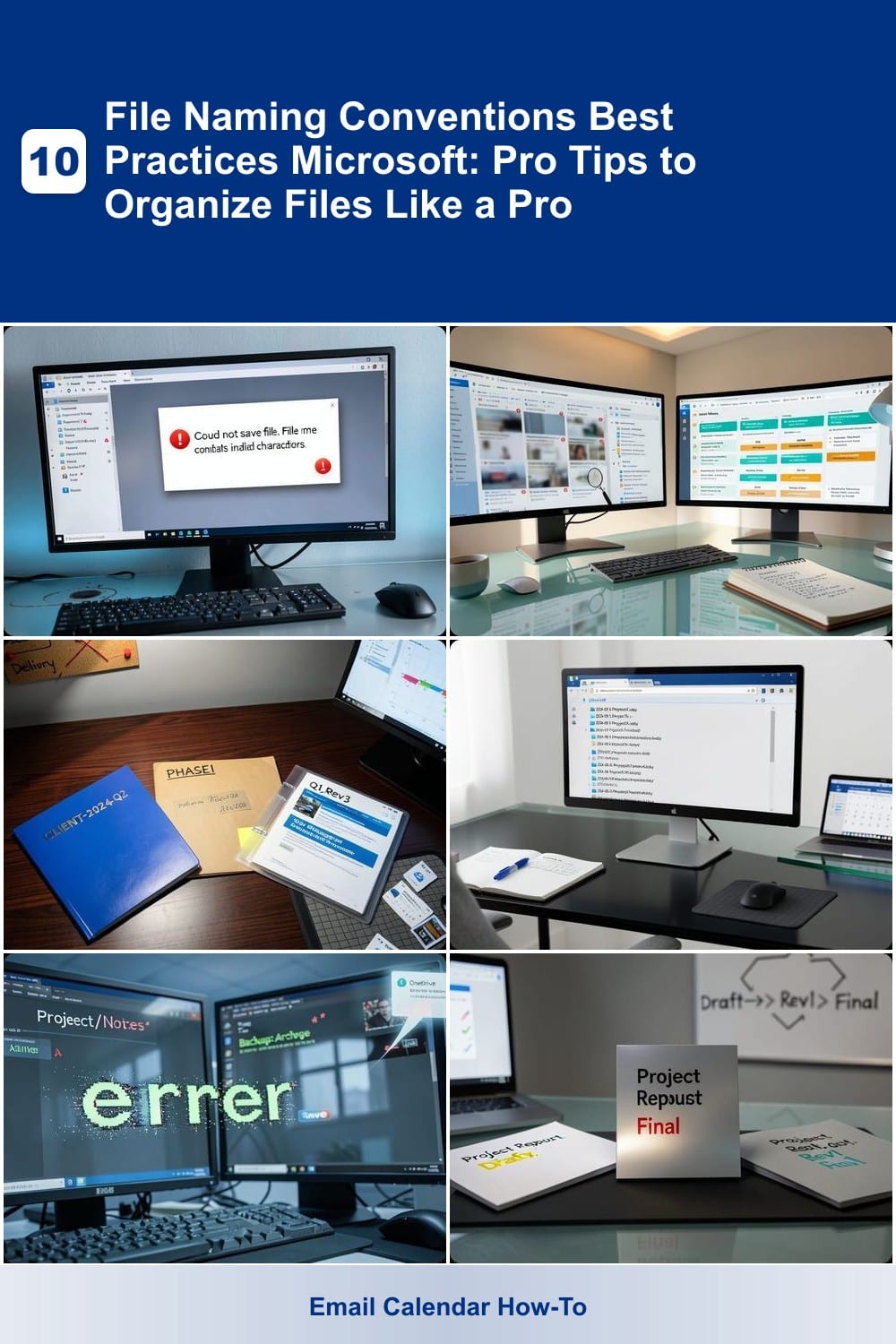
File Naming Conventions Best Practices Microsoft: Pro Tips to Organize Files Like a Pro
November 5, 2026 by Delia Ocampo
File Naming Conventions Best Practices Microsoft: Pro Tips to Organize Files Like a Pro

Struggling to find files in your Microsoft ecosystem? Mastering file naming conventions can save hours of frustration. These proven strategies help you organize files in Windows, OneDrive, and Office Suite for seamless…
Read more

Categories Tip & Trick

How to Download a File from Teams: One-Click Access to Shared Documents

November 23, 2026 by Delia Ocampo
How to Download a File from Teams: One-Click Access to Shared Documents

To download a file from Teams, you just need to know where to look—because Microsoft hides the download button better than my grandmother hid her Windows 95 floppy disks. ⚡ The process is simpler than it looks, and once…

Read more

Categories Tip & Trick

Microsoft Word Document Download: Instant Access Without the Hassle

November 21, 2026 by Delia Ocampo
Microsoft Word Document Download: Instant Access Without the Hassle

Downloading a Microsoft Word document doesn’t have to be a headache—whether it’s from email, cloud storage, or a website. ✨ I’ve helped countless people recover files they thought were lost, and the process is shockingly…

Read more

Categories Tip & Trick

How to Download a Clipchamp Video: Quick Steps for Seamless Saving

October 9, 2026 by Delia Ocampo
How to Download a Clipchamp Video: Quick Steps for Seamless Saving

Downloading a video from Clipchamp doesn’t have to be a guessing game—my five-step method exports your project in under two minutes without losing quality. I’ve used this workflow for every project since Clipchamp’s…

Read more

Categories Tip & Trick

How to Download a Video From SharePoint: Quick Bypass for Offline Access

October 9, 2026 by Delia Ocampo
How to Download a Video From SharePoint: Quick Bypass for Offline Access

Downloading videos from SharePoint used to feel like navigating a maze—until I found this quick bypass that works in under 2 minutes . ✨ The frustration of watching files stuck in the cloud while you're offline is real…

Read more

Categories Tip & Trick

How to Download an Article From a Website: Instant Save Without Losing Formatting

October 12, 2026 by Delia Ocampo
How to Download an Article From a Website: Instant Save Without Losing Formatting

To download an article from a website without losing formatting, I’ve saved hundreds of research papers and guides using just a few clicks—no tech degree required. The key is choosing the right method for the job…

Read more

Categories Tip & Trick

How to Download a LinkedIn Profile Picture: Quick Screenshot Method Without Asking

October 8, 2026 by Delia Ocampo
How to Download a LinkedIn Profile Picture: Quick Screenshot Method Without Asking

Downloading a LinkedIn profile picture without asking used to mean begging or waiting for someone to share it—until I discovered this quick screenshot method that works every time. The key is timing: LinkedIn’s image…

Read more

Categories Tip & Trick

How to Download PPT from SharePoint: Instant Access Without Permissions

October 8, 2026 by Delia Ocampo
How to Download PPT from SharePoint: Instant Access Without Permissions

Downloading a PPT from SharePoint shouldn’t feel like solving a puzzle. ✨ I’ve helped colleagues stuck on this exact issue for hours—turns out, there are three foolproof methods, and the right one depends on your setup…

Read more

Categories Tip & Trick

How to Install Ram in a Desktop Pc: Step-by-Step Visual Guide for Beginners

October 13, 2026 by Delia Ocampo
How to Install Ram in a Desktop Pc: Step-by-Step Visual Guide for Beginners

Installing RAM in a desktop PC is easier than you think—especially when you follow the right steps. I still remember the first time I helped Dad install memory in a vintage IBM, and the click when it locked into place…

Read more

Categories Tip & Trick

How to Move Emails to Spam: Quick Fix for False Positives

November 21, 2026 by Delia Ocampo
How to Move Emails to Spam: Quick Fix for False Positives

Moving emails to spam is the fastest way to clean up a cluttered inbox when legitimate messages slip through. ⚡ I’ve accidentally marked important emails as spam enough times to know the exact steps that prevent…

Read more

Categories Tip & Trick
Page1Page2Page3Next →

About Me

Delia Ocampo

Delia Ocampo
My first computer was a clunky desktop my dad brought home from work in the mid-'90s, its green-screen monitor flickering like a spaceship from an old sci-fi show. That machine taught me two things: technology could be magical, and I’d spend my life trying to understand how it all worked. Now, I run this site to make tech less intimidating—whether it’s helping someone set up their first email calendar or troubleshooting a frustrating glitch. If I can’t explain it simply, I’m not explaining it right.

Learn more

Recent Posts

  • How to Set Up Voicemail on Android: Step-by-Step Visual Walkthrough
    How to Set Up Voicemail on Android: Step-by-Step Visual Walkthrough
  • How to Install Windows XP From USB: Bootable Drive Setup in 5 Simple Steps
    How to Install Windows XP From USB: Bootable Drive Setup in 5 Simple Steps
  • How to Set up Email on Android: Visual Walkthrough for Absolute Beginners
    How to Set up Email on Android: Visual Walkthrough for Absolute Beginners
  • How To Uninstall Trend Micro On Mac: Fully Erase All Traces in 5 Minutes
    How To Uninstall Trend Micro On Mac: Fully Erase All Traces in 5 Minutes
  • Set Up MSN Email on Mac: Step-by-Step Visual Walkthrough for Instant Access
    Set Up MSN Email on Mac: Step-by-Step Visual Walkthrough for Instant Access
  • All Guides
  • About
  • Contact
  • Privacy Policy
  • Cookie Policy
  • Terms of Use
© 2026 emailcalendarhowto.com