Skip to content
Email Calendar How-To

Email Calendar How-To

  • All Articles
  • App
  • Coding
  • Hardware
  • More
    • Operating System
    • Outlook
    • PowerPoint
    • Review
    • Software
    • Tip & Trick
    • Troubleshooting
    • Windows

Tip & Trick — Page 2

How to Open ODT File on iPhone: Quick Cloud Conversion Trick
November 21, 2026 by Delia Ocampo
How to Open ODT File on iPhone: Quick Cloud Conversion Trick

Opening an ODT file on your iPhone doesn’t require jailbreaking or tech wizardry—just a quick cloud conversion trick that works in under a minute. ✨ I’ve used this method to open documents on every iPhone model since the…

Read more

Categories Tip & Trick

How to Paste a URL as a Link: Quick Click-by-Click Guide for Any Platform

November 21, 2026 by Delia Ocampo
How to Paste a URL as a Link: Quick Click-by-Click Guide for Any Platform

Pasting a URL as a live link instead of plain text saves time and frustration every single day. ⚡ I’ve lost count of how many times I’ve pasted a link only to realize it’s just dead text—no clickable magic. The fix is…

Read more

Categories Tip & Trick

Windows Network Adapter Driver Reinstall: Fresh Start Without Lingering Files

October 12, 2026 by Delia Ocampo
Windows Network Adapter Driver Reinstall: Fresh Start Without Lingering Files

To reinstall a network adapter driver, start by disabling the device in Device Manager—this clears lingering files that cause conflicts. I learned this the hard way when a stubborn Realtek driver kept crashing my…

Read more

Categories Tip & Trick

How to Set Up a Conference Call: Crystal-Clear Audio and Screen-Sharing Ready

November 21, 2026 by Delia Ocampo
How to Set Up a Conference Call: Crystal-Clear Audio and Screen-Sharing Ready

Setting up a conference call used to feel like navigating a maze blindfolded—until I realized most platforms follow the same basic steps. 💡 The key is picking the right tool for your needs: Zoom for screen-sharing…

Read more

Categories Tip & Trick

How to Set up Email on Android: Visual Walkthrough for Absolute Beginners

October 8, 2026 by Delia Ocampo
How to Set up Email on Android: Visual Walkthrough for Absolute Beginners

Setting up email on Android used to feel like decoding a foreign language—until I walked a neighbor’s grandma through it last summer. 💡 The process is actually shockingly straightforward once you know where to tap, and…

Read more

Categories Tip & Trick

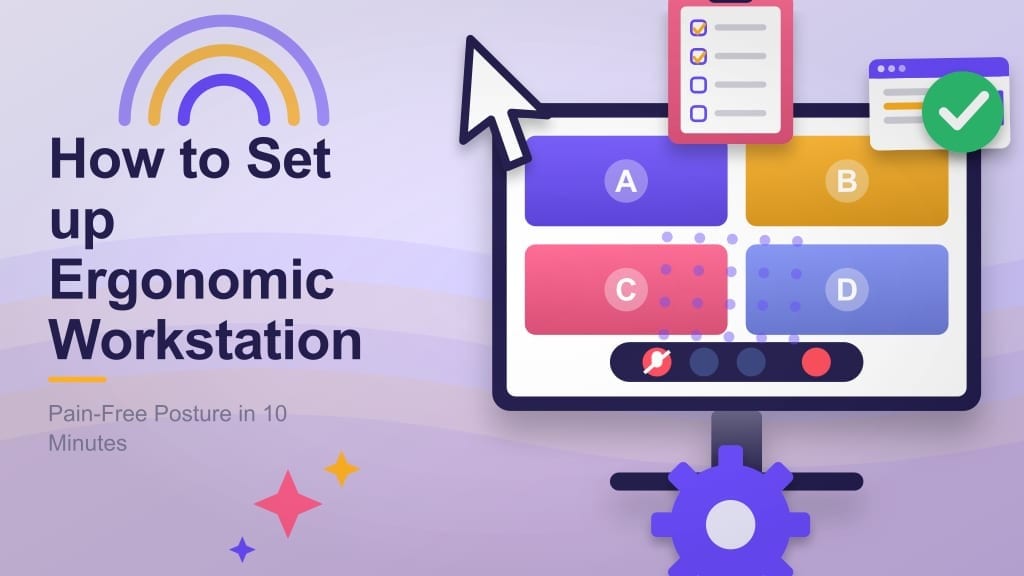
How to Set up Ergonomic Workstation: Pain-Free Posture in 10 Minutes

November 23, 2026 by Delia Ocampo
How to Set up Ergonomic Workstation: Pain-Free Posture in 10 Minutes

Setting up an ergonomic workstation isn’t just about buying fancy gear—it’s about transforming how your body feels after eight hours at the desk. ✨ I spent years hunched over my uncle’s basement workbench with a 24-inch…

Read more

Categories Tip & Trick

How to Set up Microsoft Authenticator: Two-Step Verification Ready in Minutes

October 10, 2026 by Delia Ocampo
How to Set up Microsoft Authenticator: Two-Step Verification Ready in Minutes

Setting up Microsoft Authenticator cuts login hassles in half—✨ I’ve helped dozens of friends recover accounts in minutes after switching from SMS codes. The app replaces passwords with push notifications, making hacking…

Read more

Categories Tip & Trick

How to Set up Odbc Connection: Step-by-Step Visual Guide for Beginners

October 10, 2026 by Delia Ocampo
How to Set up Odbc Connection: Step-by-Step Visual Guide for Beginners

Setting up an ODBC connection finally lets you bridge Excel spreadsheets with SQL databases—something I spent hours wrestling with early in my career. ⚡ The process is simpler than it sounds, especially when you follow…

Read more

Categories Tip & Trick

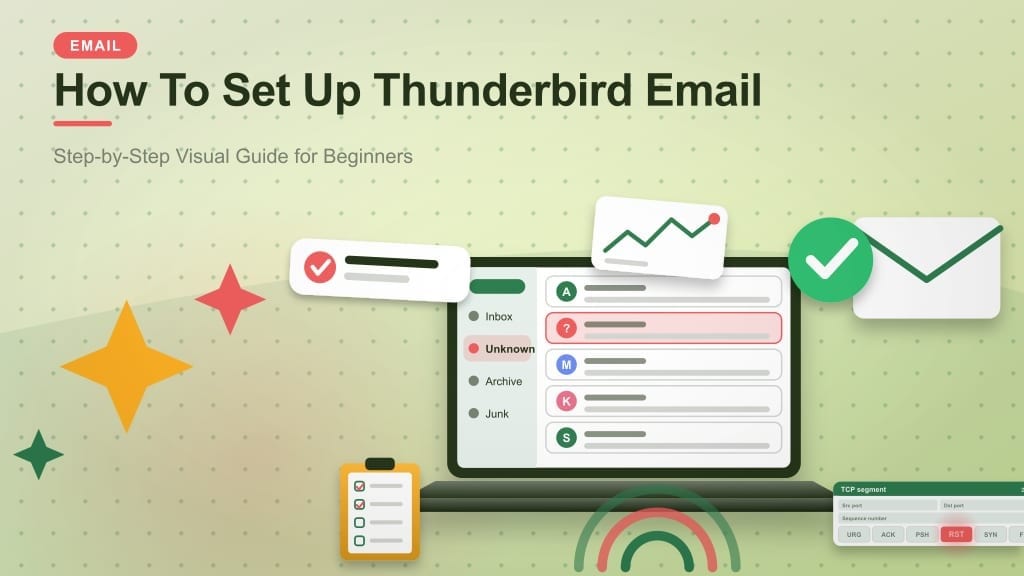
How To Set Up Thunderbird Email: Step-by-Step Visual Guide for Beginners

November 23, 2026 by Delia Ocampo
How To Set Up Thunderbird Email: Step-by-Step Visual Guide for Beginners

Setting up Thunderbird email for the first time feels like unlocking a digital Swiss Army knife for your inbox. ⚡ I remember teaching my dad how to configure his first email client back in Pittsburgh—he insisted on doing…

Read more

Categories Tip & Trick

How to Set up Voice Recognition: Hands-Free Activation in 5 Simple Steps

October 10, 2026 by Delia Ocampo
How to Set up Voice Recognition: Hands-Free Activation in 5 Simple Steps

Setting up voice recognition finally turned my hands-free dreams into reality—no more fumbling with keyboards when my fingers are full. ✨ I’ve helped dozens of folks get their systems talking back, and the process is…

Read more

Categories Tip & Trick
Page1Page2Page3Next →

About Me

Delia Ocampo

Delia Ocampo
My first computer was a clunky desktop my dad brought home from work in the mid-'90s, its green-screen monitor flickering like a spaceship from an old sci-fi show. That machine taught me two things: technology could be magical, and I’d spend my life trying to understand how it all worked. Now, I run this site to make tech less intimidating—whether it’s helping someone set up their first email calendar or troubleshooting a frustrating glitch. If I can’t explain it simply, I’m not explaining it right.

Learn more

Recent Posts

  • How to Set Up Voicemail on Android: Step-by-Step Visual Walkthrough
    How to Set Up Voicemail on Android: Step-by-Step Visual Walkthrough
  • How to Install Windows XP From USB: Bootable Drive Setup in 5 Simple Steps
    How to Install Windows XP From USB: Bootable Drive Setup in 5 Simple Steps
  • How to Set up Email on Android: Visual Walkthrough for Absolute Beginners
    How to Set up Email on Android: Visual Walkthrough for Absolute Beginners
  • How To Uninstall Trend Micro On Mac: Fully Erase All Traces in 5 Minutes
    How To Uninstall Trend Micro On Mac: Fully Erase All Traces in 5 Minutes
  • Set Up MSN Email on Mac: Step-by-Step Visual Walkthrough for Instant Access
    Set Up MSN Email on Mac: Step-by-Step Visual Walkthrough for Instant Access
  • All Guides
  • About
  • Contact
  • Privacy Policy
  • Cookie Policy
  • Terms of Use
© 2026 emailcalendarhowto.com