
Software
Data breaches cost businesses millions annually—and most start with internal vulnerabilities. These 10 internal safeguards provide actionable, proactive measures to lock down company data before cybercriminals exploit weaknesses in your systems or employee behavior.
Role-Based Access Control Implementation Guide
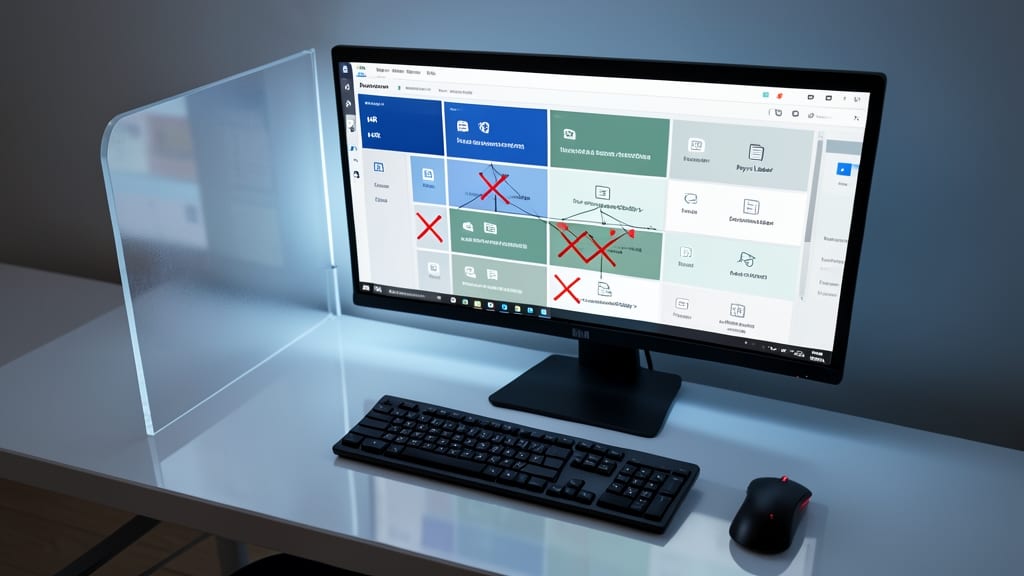
Tired of hearing about breaches where attackers moved freely through overprivileged accounts? Role-Based Access Control (RBAC) is your first line of defense, mapping permissions to job functions instead of granting blanket access.
With RBAC, you assign HR staff access only to payroll systems, developers to code repositories, and executives to financial dashboards—no more "admin" accounts with keys to the kingdom. Tools like Microsoft Active Directory or OpenLDAP make implementation seamless, while compliance frameworks like GDPR and HIPAA often require it. The result? 70% fewer lateral movement risks and cleaner audit trails.
This is the foundation for any zero-trust strategy—perfect for mid-sized businesses upgrading from flat networks or regulated industries like healthcare and finance. 💻
Automated Data Encryption for Sensitive Files

Lost devices or intercepted emails don’t stand a chance with automated data encryption—a safeguard that locks files the moment they’re created, whether stored or in transit. Unlike manual encryption, this system works silently in the background, ensuring sensitive data like PHI or financial records stays protected even if a laptop is stolen or an email is intercepted.
Solutions like Symantec Encryption Desktop or Microsoft Purview Message Encryption integrate seamlessly with existing workflows, using AES-256 encryption (military-grade standards) to scramble data automatically. They also enforce rights management, so only authorized users can access files—no extra steps required from employees. Compliance teams love this for HIPAA, GDPR, or SOX requirements.
This is a must-have for healthcare providers, legal firms, or any business handling regulated data. No more relying on employees to remember encryption—your data stays secure by default. ✨
Employee Security Awareness Training Program

Most breaches aren’t caused by hackers breaking through firewalls—they start with an employee clicking a malicious link or falling for a social engineering trick. A security awareness training program like KnowBe4’s Security Awareness Training or PhishMe flips this risk by turning employees into your first line of defense.
These programs use realistic phishing simulations (e.g., fake login pages mimicking your company’s systems) to test and train staff, with customizable scenarios like CEO fraud or invoice scams. Analytics track improvement over time, while microlearning modules (5-10 minutes) fit into busy schedules. The best platforms even integrate with your HRIS or LMS for seamless onboarding, especially critical for remote teams or roles with high turnover.
Companies with frequent onboarding or distributed workforces see the biggest ROI—studies show these programs reduce phishing susceptibility by up to 75% after just 6 months. ⚡
Endpoint Detection and Response Systems

When employees bring their own devices—or work remotely—your network becomes a patchwork of unknown risks. Endpoint Detection and Response (EDR) systems like CrowdStrike Falcon or SentinelOne act as silent sentinels, scanning every device for suspicious behavior before it escalates. Unlike traditional antivirus, EDR uses AI-driven behavioral analysis to stop zero-day exploits and lateral movement in real time.
These solutions offer real-time threat blocking, automated containment, and detailed forensic reports to trace attacks. For example, Microsoft Defender for Endpoint integrates with Active Directory for seamless deployment, while Palo Alto Cortex XDR adds cloud-based threat intelligence. Most platforms support Windows, macOS, and Linux, ensuring full coverage across hybrid environments.
Perfect for SMBs with BYOD policies or enterprises with remote teams, EDR reduces the attack surface without sacrificing productivity. 💻
Multi-Factor Authentication for All Accounts

Credential stuffing attacks are on the rise, and relying solely on passwords leaves your accounts dangerously exposed. Multi-Factor Authentication (MFA) adds an extra verification layer—like a digital bouncer checking IDs at the door—so even stolen passwords can’t grant access.
Modern MFA solutions like Duo Security or Microsoft Authenticator support push notifications, TOTP codes, or hardware keys (e.g., YubiKey). These methods block 99.9% of automated attacks and integrate seamlessly with Active Directory, Okta, or Azure AD. For executives, enable risk-based MFA to require verification only for suspicious logins.
This is the #1 safeguard for C-suite accounts and systems handling PII or financial data. Start with high-risk accounts, then roll out company-wide to create a zero-trust culture. ✨
Regular Third-Party Risk Assessments

Your company’s security chain is only as strong as its weakest third-party link. A third-party risk assessment systematically evaluates vendors, contractors, and partners—often overlooked entry points for breaches. With 60% of data breaches now linked to supply chain vulnerabilities, this safeguard is non-negotiable for compliance and risk mitigation.
These assessments typically include security questionnaires, penetration testing of shared systems, and contractual compliance reviews to ensure vendors meet your security standards. Tools like ServiceNow GRC or OneTrust automate tracking, while frameworks like NIST SP 800-161 provide structured guidance. Regular audits—quarterly for high-risk vendors—keep exposure in check.
Ideal for industries like healthcare (HIPAA compliance) or finance (PCI DSS), this safeguard also helps small businesses navigate GDPR’s strict third-party accountability rules. Start with your most critical vendors first—your data depends on it. ✨
Network Segmentation Best Practices

If your company still operates on a flat network—where every device shares the same access—you’re essentially handing cybercriminals a map to your most valuable data. Network segmentation changes the game by creating isolated zones (like HR, finance, or R&D) that contain breaches before they spread.
Start by dividing your network into VLANs (Virtual LANs) or micro-segmentation zones, using tools like Cisco ACI or VMware NSX. This limits lateral movement: even if attackers breach one segment (e.g., guest Wi-Fi), they can’t jump to servers hosting payroll data. For mid-sized businesses, zero-trust frameworks (like Palo Alto Prisma) automate segmentation rules based on user roles and device health, reducing manual configuration errors.
This approach is ideal for businesses upgrading from outdated networks or adopting zero-trust models. It’s also a compliance must-have for industries like healthcare (HIPAA) or finance (PCI DSS). 💻
Automated Patch Management System

Legacy systems and outdated software are prime targets for cyberattacks—but you can neutralize the risk before hackers even strike. An automated patch management system like Patch Manager Plus or SolarWinds Serv-U scans for vulnerabilities 24/7, prioritizing critical updates based on threat severity and system dependencies.
These tools handle everything from Windows Server 2012 to Linux distributions, ensuring compliance with regulations like HIPAA or PCI DSS. They also integrate with SIEM solutions for centralized monitoring, so you’re alerted to unpatched systems before they become liabilities. The best systems even offer rollback capabilities in case updates introduce instability.
Industries like healthcare (where outdated EHR systems are common) or retail (facing frequent POS software updates) see the biggest ROI. For businesses drowning in manual patching tasks, this is the zero-config upgrade that saves hours weekly. 💪
Insider Threat Monitoring Solutions
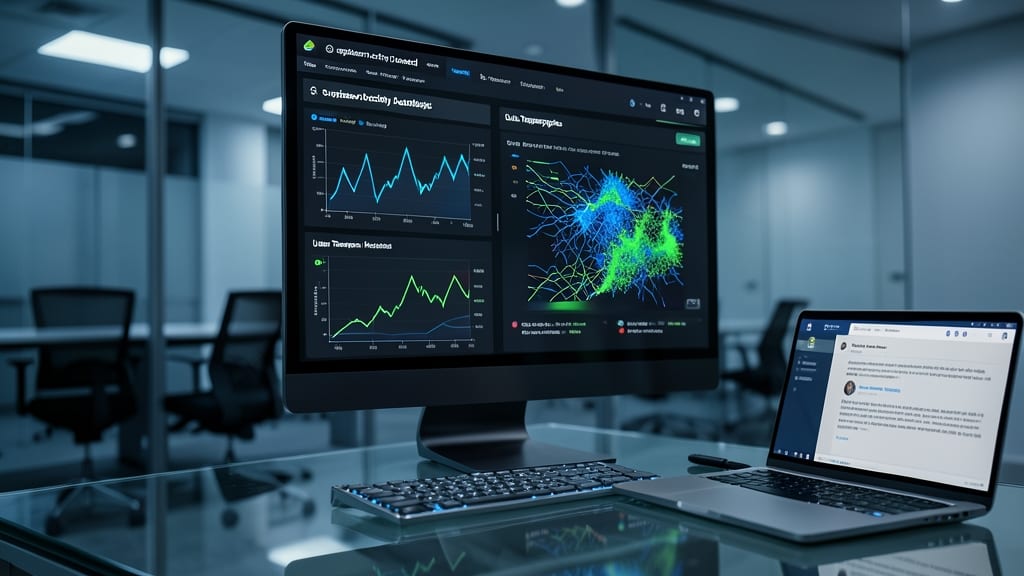
What if your biggest security risk isn’t hackers—but your own employees? Insider threat monitoring solutions like Exabeam Fusion or Splunk User Behavior Analytics detect suspicious activity (e.g., unusual data transfers, late-night logins) without tracking personal browsing habits. These tools focus on behavioral anomalies, not surveillance.
They use AI-driven anomaly detection to flag risks like a single employee downloading terabytes of data in one session or accessing files outside their role. Zero-trust integration ensures alerts trigger only when actions deviate from normal patterns—no false positives. Compliance teams love the audit-ready logs for industries like finance or R&D where intellectual property is worth millions.
Perfect for organizations where high-value IP meets remote/hybrid workforces. 💻
Disaster Recovery and Backup Testing

Imagine discovering your backups won’t restore when you need them most—like finding a locked door when your data’s on fire. Disaster recovery testing isn’t just a checkbox; it’s your last line of defense against ransomware or hardware failures that could cripple operations for days (or worse).
Most businesses back up data but never verify recovery—until it’s too late. Tools like Veeam or Druva automate point-in-time recovery tests with RTO (Recovery Time Objectives) under 15 minutes for critical systems. Cloud-based solutions (e.g., AWS Backup) add redundancy with geo-redundant storage, while hybrid setups ensure compliance with HIPAA/GDPR by encrypting backups in transit and at rest.
This safeguard is non-negotiable for hospitals, financial firms, or any 24/7 operation where downtime means lost revenue or lives. Start with quarterly tests and refine based on real-world failure scenarios. 💻