
Tip & Trick
Remote work offers flexibility but exposes you to cyber threats like phishing, malware, and data breaches. These 10 security best practices—backed by IT experts—will help you create an impenetrable digital fortress at home or while traveling.
Multi-Factor Authentication for All Accounts
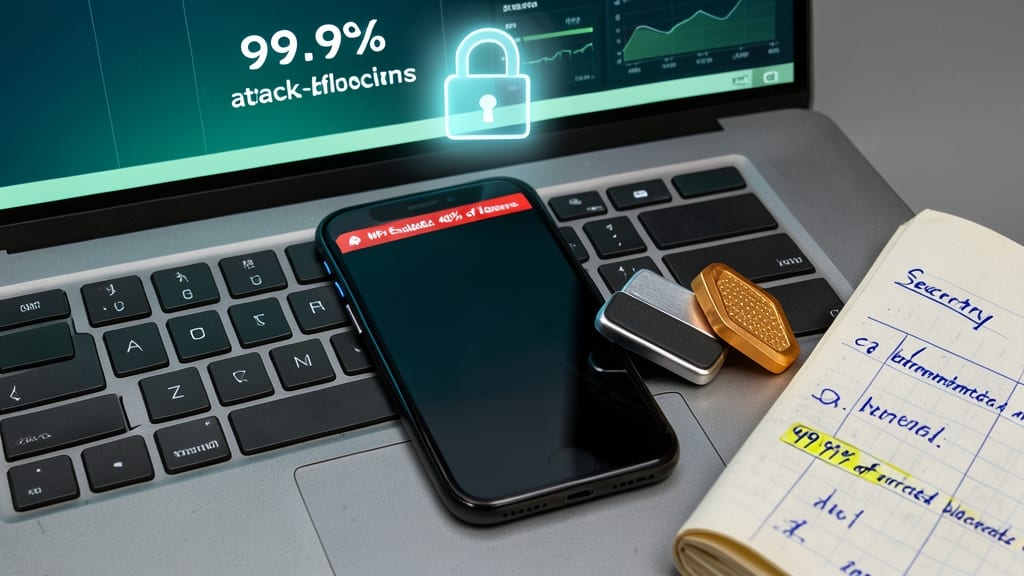
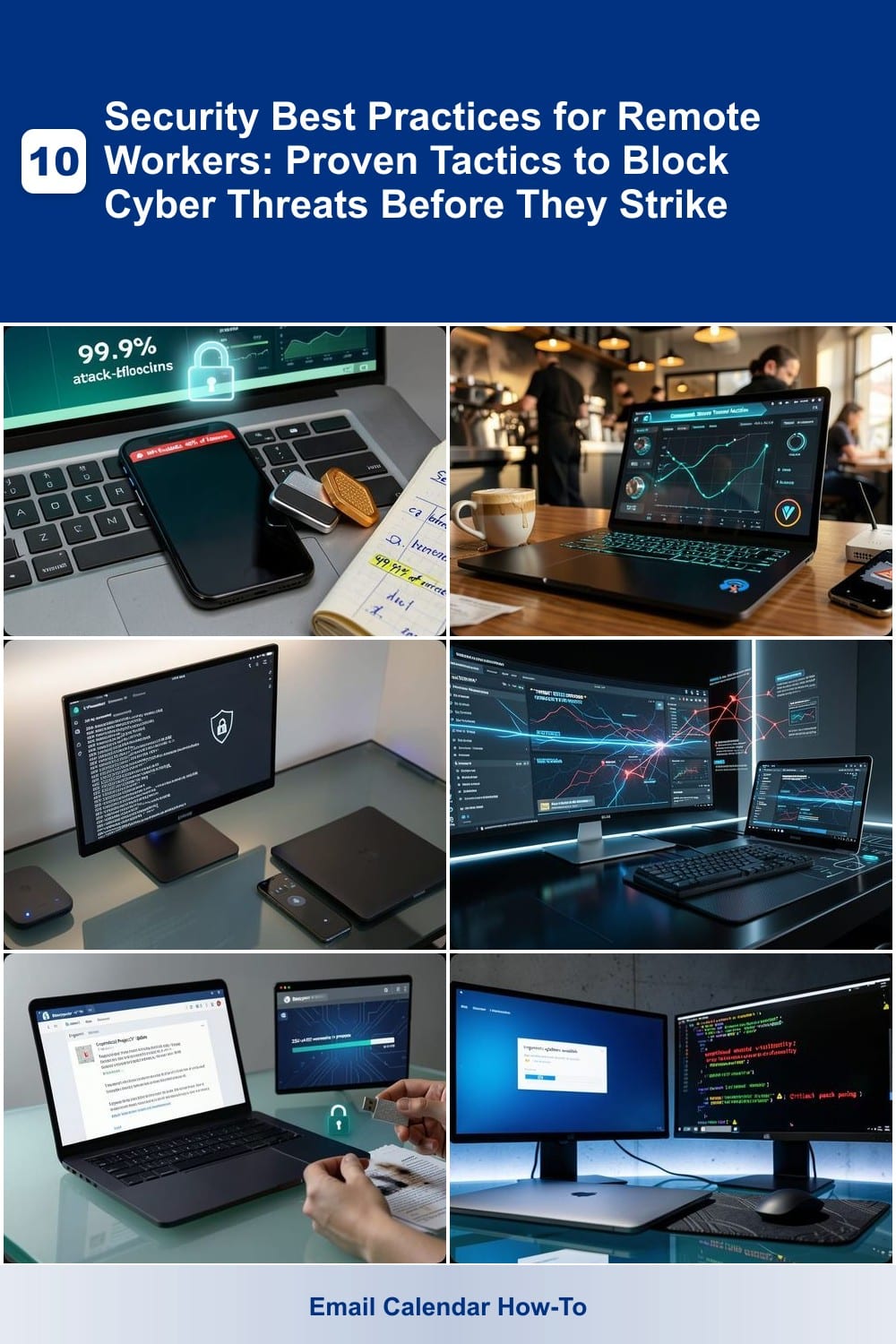
Credential theft is the #1 way hackers break into accounts—but multi-factor authentication (MFA) stops 99.9% of automated attacks with just a few taps. Most services (email, banking, cloud storage) offer it for free, yet only 40% of users enable it. That’s a massive security gap you can close in minutes.
MFA works by requiring two verification steps: something you know (password) + something you have (phone, hardware key, or biometric scan). Services like Google Authenticator, Duo Security, or YubiKey provide one-time codes or physical keys that even determined attackers can’t bypass. The best part? Most platforms (Microsoft, Apple, Google) now support FIDO2 keys—tiny USB devices that authenticate instantly without typing codes.
This is the one security measure that benefits everyone: freelancers guarding client data, executives protecting corporate emails, or parents securing kids’ school accounts. Set it up once, and you’ll sleep easier knowing automated bots can’t hijack your accounts. ⚡
Virtual Private Network on Every Device

Public Wi-Fi at coffee shops or hotel networks can feel convenient—until you realize hackers are lurking. A VPN (Virtual Private Network) turns every connection into a secure tunnel, blocking snoopers from stealing passwords, emails, or financial data in real time.
Top-tier VPNs like NordVPN or ExpressVPN offer military-grade encryption (AES-256), split tunneling (choosing which apps use the VPN), and server locations in 90+ countries to bypass geo-restrictions. They’re designed for zero-log policies, meaning your browsing history stays private even from the VPN provider. Most apps support Windows, macOS, iOS, Android, and even smart TVs—so your entire ecosystem stays protected.
This is non-negotiable for remote workers handling sensitive data, freelancers using shared spaces, or anyone tired of weak hotel Wi-Fi. A few clicks to install means peace of mind—no more guessing if your connection is safe. 🌟
Password Manager with Biometric Access
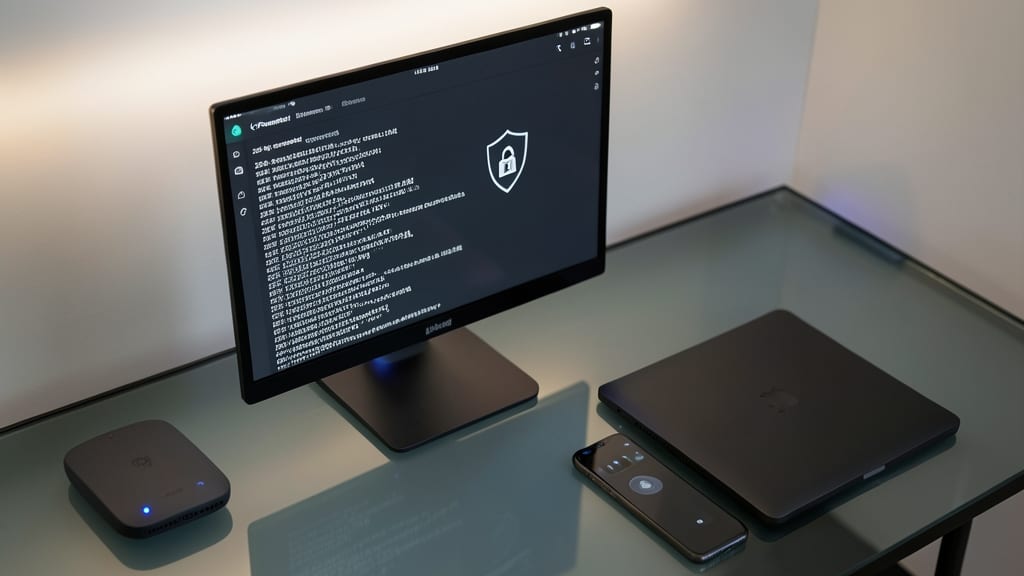
Tired of remembering (or writing down) yet another password? A password manager with biometric access solves this by auto-generating 256-bit encrypted credentials for every account—no reuse, no weak links.
Tools like 1Password or Bitwarden sync across devices and lock behind Face ID, Touch ID, or Windows Hello, ensuring even stolen devices can’t access your vault. The real game-changer? Zero-config password sharing for teams, where recipients only need a link—no exposed credentials. Plus, breach monitoring alerts you instantly if a saved password leaks online.
Perfect for remote workers juggling personal and work accounts, or anyone who’s ever Googled “how to reset my password for the 5th time this month.” 💻
Endpoint Detection and Response Software

Antivirus alone can’t stop today’s zero-day exploits—that’s where Endpoint Detection and Response (EDR) software steps in. Unlike traditional security tools that react to known threats, EDR actively hunts for suspicious behavior in real time, using AI-driven analysis to flag and neutralize attacks before they escalate.
Solutions like CrowdStrike Falcon or Microsoft Defender for Endpoint monitor fileless malware, lateral movement by attackers, and even insider threats across your devices. They provide detailed forensic reports to help IT teams understand how breaches occurred, while automated response actions (like isolating infected machines) minimize downtime. For remote workers, this means 24/7 protection even when connected to untrusted networks. 💻
Secure File Sharing with Encryption Keys
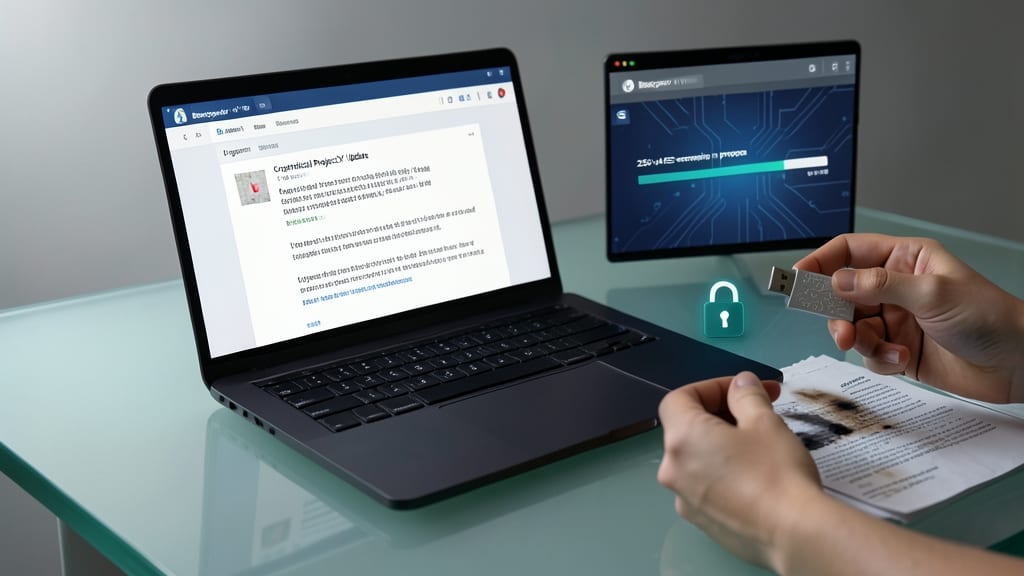
Ever sent a sensitive file via email only to worry it might land in the wrong hands? Encrypted file-sharing tools like Boxcryptor or Virtru solve this by locking files with 256-bit AES encryption—so even if your email gets intercepted, the data stays unreadable without the recipient’s unique decryption key.
These services work by generating a one-time access link that expires after use, ensuring no lingering vulnerabilities. For example, Boxcryptor integrates seamlessly with Google Drive or Dropbox, while Virtru adds an extra layer by requiring recipient authentication (like a password or MFA code) before files unlock. Perfect for sharing contracts, payroll docs, or client data without relying on VPNs or secure portals. 💻
Regular OS and Software Updates
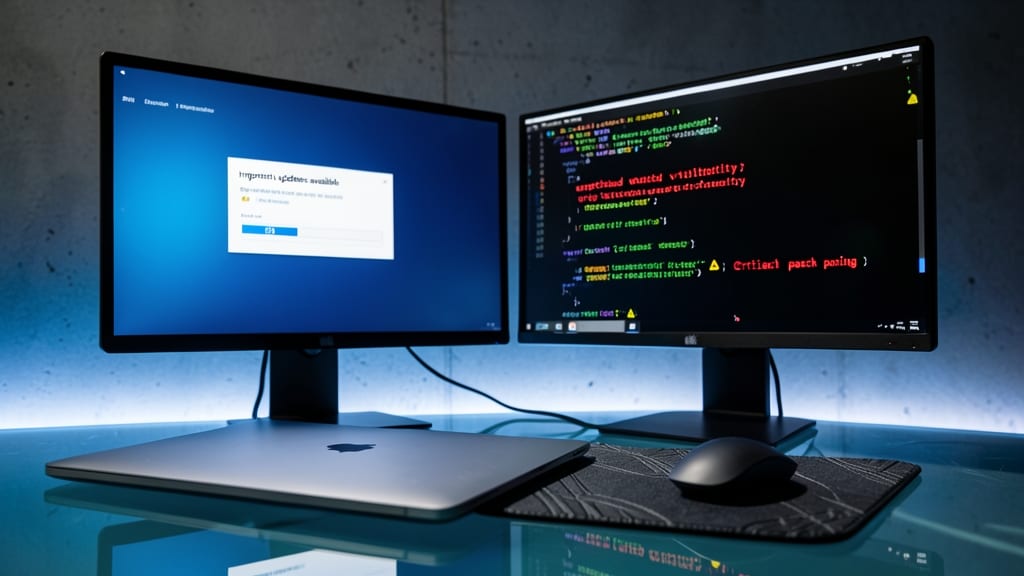
Hackers don’t just target outdated systems—they actively scan for unpatched devices to exploit. Regular OS and software updates are your first line of defense against known vulnerabilities that could turn your device into an easy target.
Most modern operating systems (Windows, macOS, Linux) and applications now offer automatic update features that patch security flaws within days of discovery. For example, Microsoft’s Patch Tuesday releases critical fixes monthly, while Apple’s Security Updates often include fixes for zero-day exploits. Even third-party apps like browsers and PDF readers release updates—ignoring them leaves gaping holes in your security.
This is non-negotiable for remote workers handling sensitive data, freelancers managing client accounts, or anyone who values privacy. The good news? Enabling auto-updates takes seconds and runs silently in the background—no tech expertise required. ⚡
Physical Security for Home Workspaces
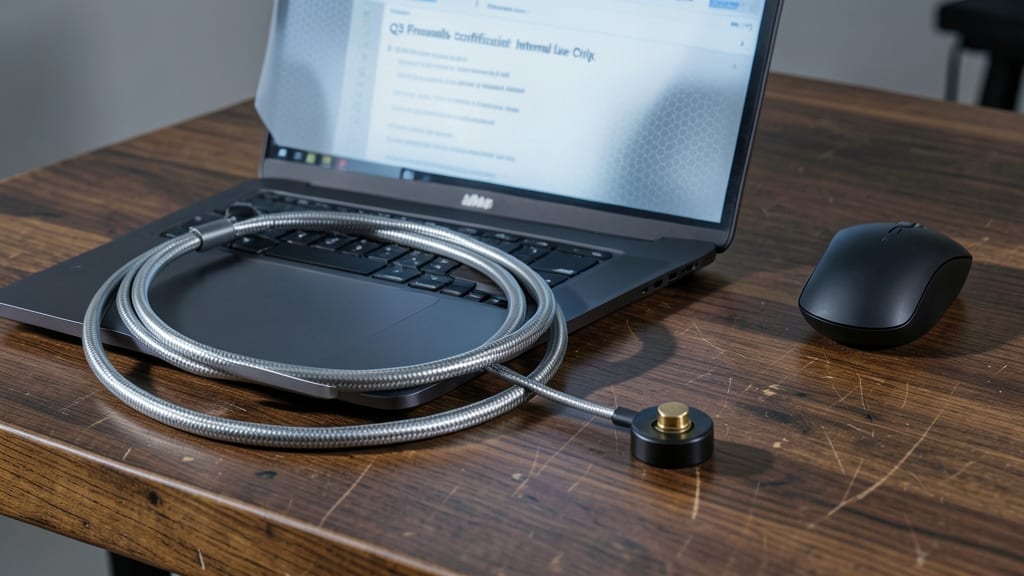
Even the strongest digital defenses fail if your devices are physically accessible. A cable lock (like the Kensington Security Cable) secures laptops to desks in seconds, while privacy screens (such as 3M Privacy Filters) block shoulder-surfing attacks on sensitive data—no software can protect against a thief or prying eyes.
For under $20, you can add anti-theft deterrents like a USB lock for peripherals and cabinet locks for hard drives. Privacy screens reduce glare while making screens unreadable from angles, stopping casual observers from spotting passwords or financial details. These tools are especially critical for freelancers, contractors, or anyone handling client data.
Remote workers in shared spaces or urban areas benefit most, but even home offices should use these basics. A few seconds of setup can prevent months of headaches. 🔧
Phishing Simulation Training for Teams
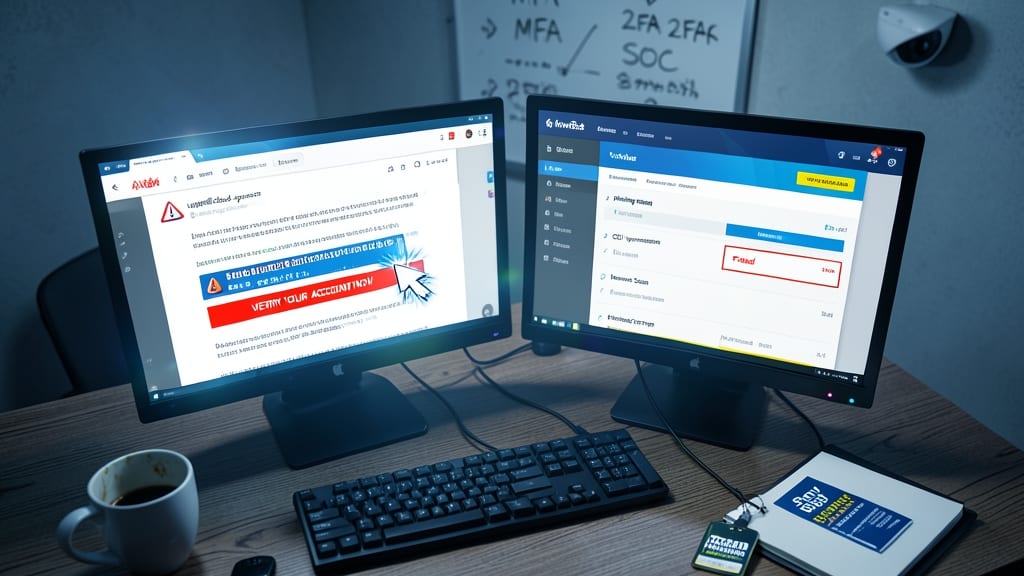
Even the most secure systems can crumble when an employee clicks a malicious link—90% of breaches start with human error. Phishing simulation training flips the script by turning your team into your first line of defense with realistic, low-stakes attack scenarios.
Platforms like KnowBe4 or PhishMe send customized, scenario-based emails (e.g., fake invoice requests or urgent password resets) to test reactions. Analytics track who falls for the scam and who reports it, with automated coaching to reinforce lessons. These simulations adapt to your industry—healthcare phishing mimics HIPAA violations, while finance targets fake wire transfer requests.
Ideal for managers leading remote teams, this zero-risk training costs pennies per employee and delivers measurable results. A single phishing test can reduce click rates by 70%+—making it the most cost-effective security upgrade you’ll implement. 💡
Secure Remote Desktop Protocols
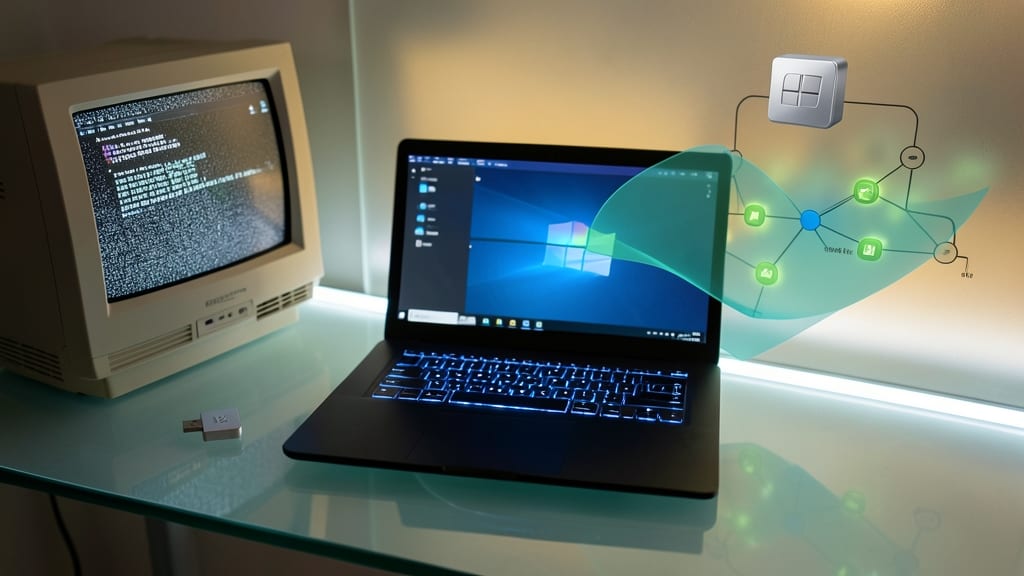
Tired of risky third-party remote access tools that leave your data exposed? VPN-integrated RDP (Remote Desktop Protocol) delivers enterprise-grade encryption without sacrificing compatibility—even for outdated software.
Windows’ built-in RDP with Network Level Authentication (NLA) encrypts sessions end-to-end, while tools like TightVNC with TLS or Microsoft’s Remote Desktop Gateway add VPN-like security layers. These protocols block MITM attacks and prevent credential theft, unlike consumer-grade apps that often rely on weak encryption.
Ideal for IT admins managing legacy systems or remote workers accessing corporate networks, these protocols turn your existing hardware into a zero-trust-ready fortress. ✨
Incident Response Plan for Breaches
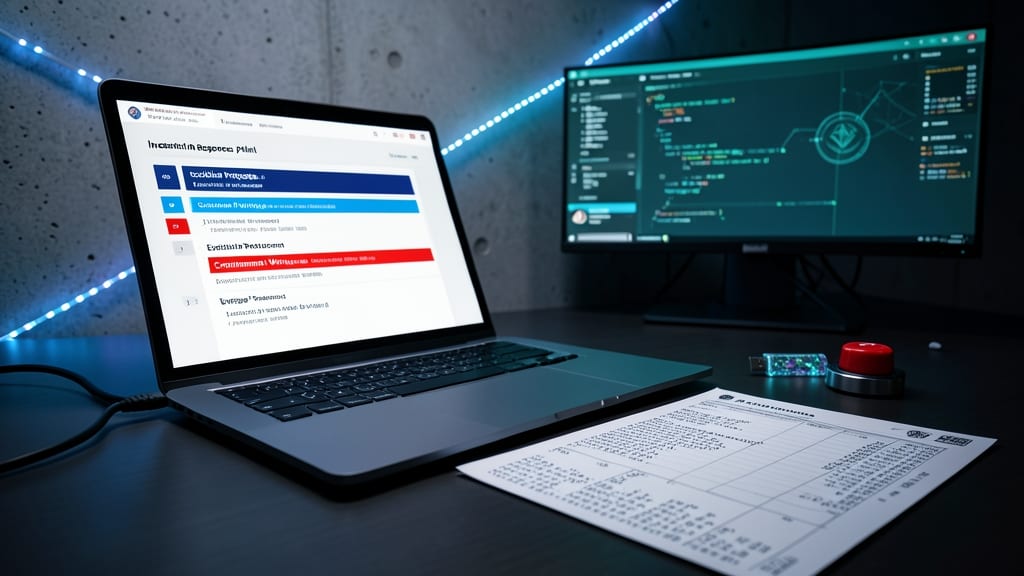
Even the best security measures can fail—so having a pre-built incident response plan is your safety net. This isn’t just a checklist; it’s a step-by-step guide to isolate threats, preserve evidence, and notify the right teams before damage spreads, with templates for forensic analysis included.
Start by identifying your breach type (phishing, malware, or unauthorized access) and disconnecting affected devices immediately. Document every action—timestamps, logs, and screenshots—while preserving volatile data (like RAM dumps) for investigators. Most plans include pre-approved contacts (IT, legal, and law enforcement) to streamline reporting, reducing downtime by up to 70%.
Remote workers in regulated industries (healthcare, finance) or those handling sensitive client data should prioritize this—it’s the difference between a minor hiccup and a full-blown crisis. 💪