
Operating System
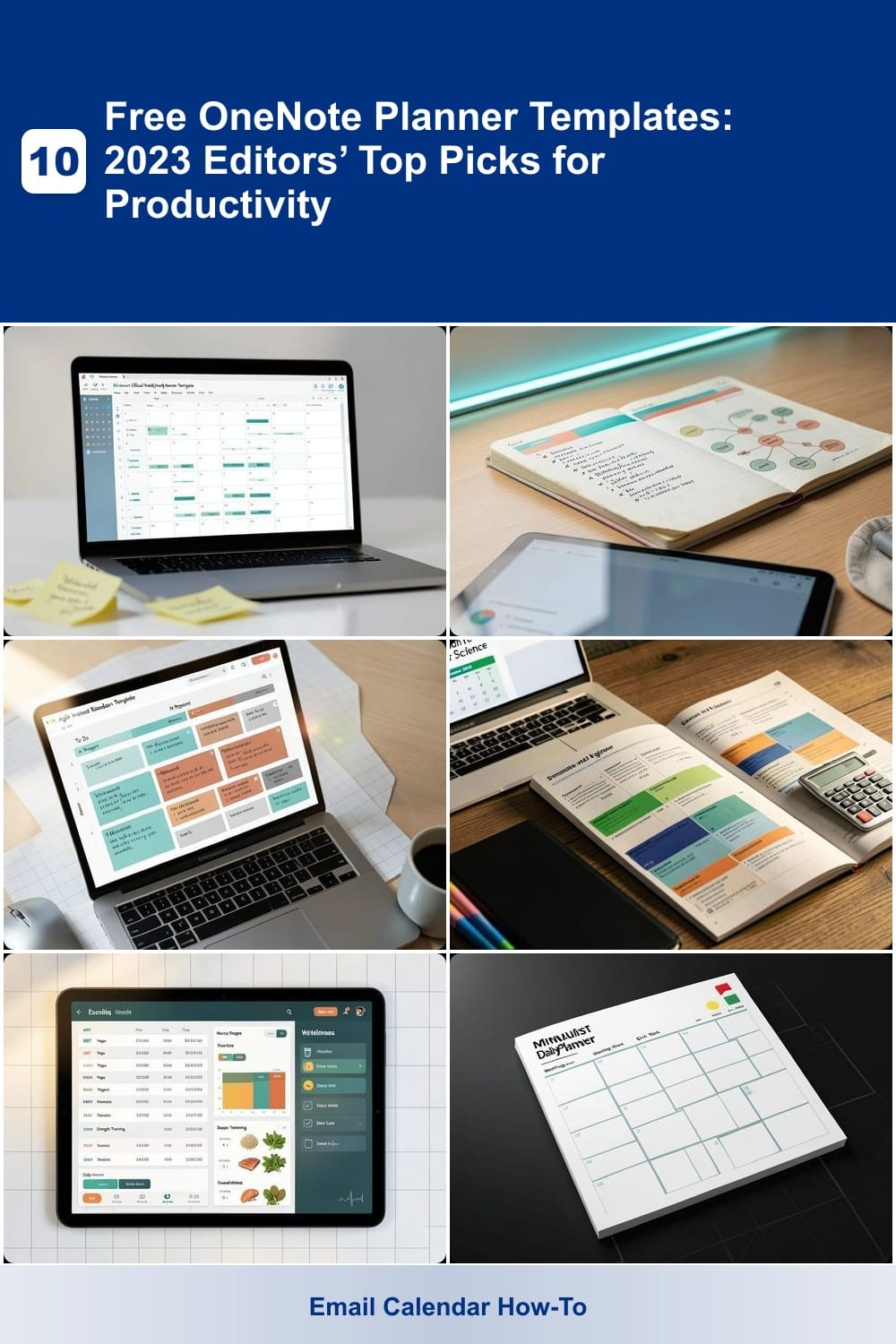
Struggling to stay organized in OneNote? These 10 free 2023 planner templates transform blank pages into powerful productivity tools—whether you're a student, professional, or creative. All are Microsoft-approved and ready to customize instantly.
Microsoft Official Weekly Planner Template
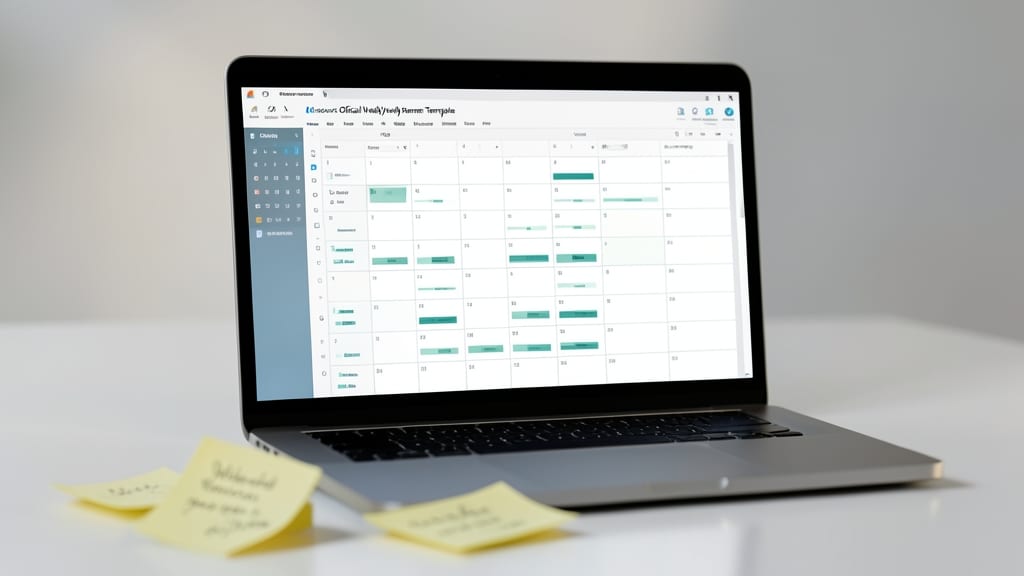
Tired of juggling sticky notes and scattered reminders? Microsoft’s Official Weekly Planner Template is your all-in-one solution, blending Outlook calendar sync with built-in task checklists—all without leaving OneNote.
This directly sourced template from Microsoft’s gallery features a clean weekly layout with color-coded sections for appointments, tasks, and notes. The Outlook calendar integration ensures your meetings auto-populate, while customizable checkboxes let you track deadlines with ease. Best of all, it’s Office 365-optimized, so your data stays synced across devices.
Perfect for professionals who rely on Microsoft’s ecosystem, this template cuts setup time while keeping your schedule organized—no third-party tools required. ✨
Bullet Journal Hybrid Planner System
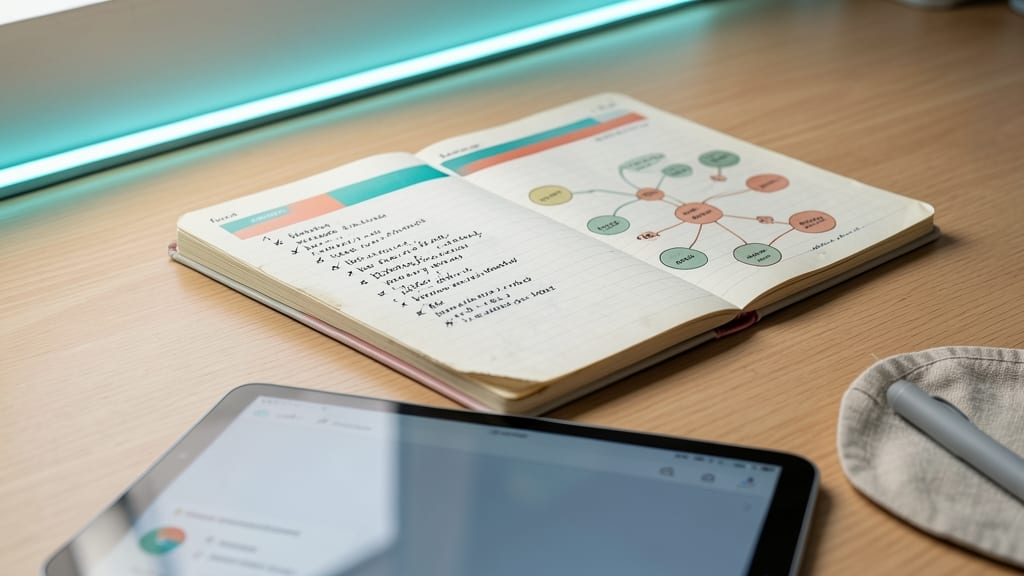
If you adore the tactile satisfaction of bullet journaling but crave the flexibility of digital tools, this Bullet Journal Hybrid Planner System is your perfect match. It merges the best of both worlds—rapid logging with bullet points, visual tracking via progress bars and mind maps, and OneNote’s seamless editing—all without sacrificing the paperless workflow.
The template includes pre-built collections for tasks, notes, and habit trackers, with customizable sections to adapt to your workflow. You can drag-and-drop elements, use handwritten-style fonts for a personal touch, and even embed tables or checklists. The warm earth-toned design makes it visually engaging while keeping distractions minimal.
This is ideal for creatives, students, or professionals who want structure without rigidity—perfect for those who switch between analog and digital tools daily. ⚡
Project Management Kanban Board Template
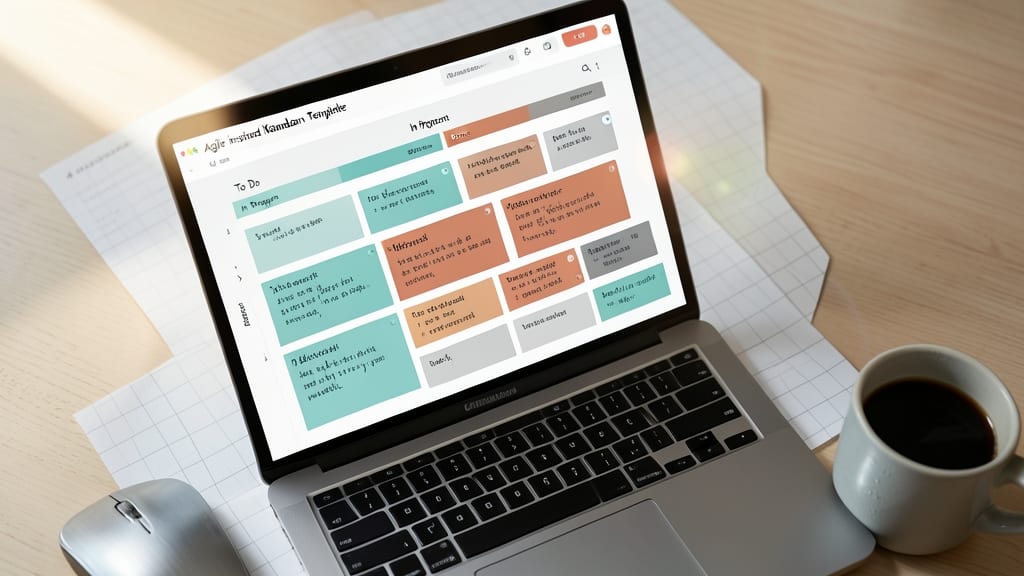
If you juggle multiple projects but dread spreadsheets or clunky apps, this Agile-inspired Kanban Board brings visual project management directly into OneNote. Designed for freelancers and small teams, it replaces sticky notes with a drag-and-drop interface that adapts to your workflow—no coding required.
The template includes three core columns (To-Do, In Progress, Done) plus customizable labels for priorities and deadlines. You can add subtasks, attach files, or even embed meeting notes—all while keeping everything searchable. The whiteboard-style layout mimics physical Kanban boards but with OneNote’s syncing power across devices.
Perfect for developers, designers, or anyone managing client work—this template turns chaotic to-do lists into a clear, visual roadmap without the overhead of dedicated tools. ⚡
Student Academic Planner with GPA Tracker
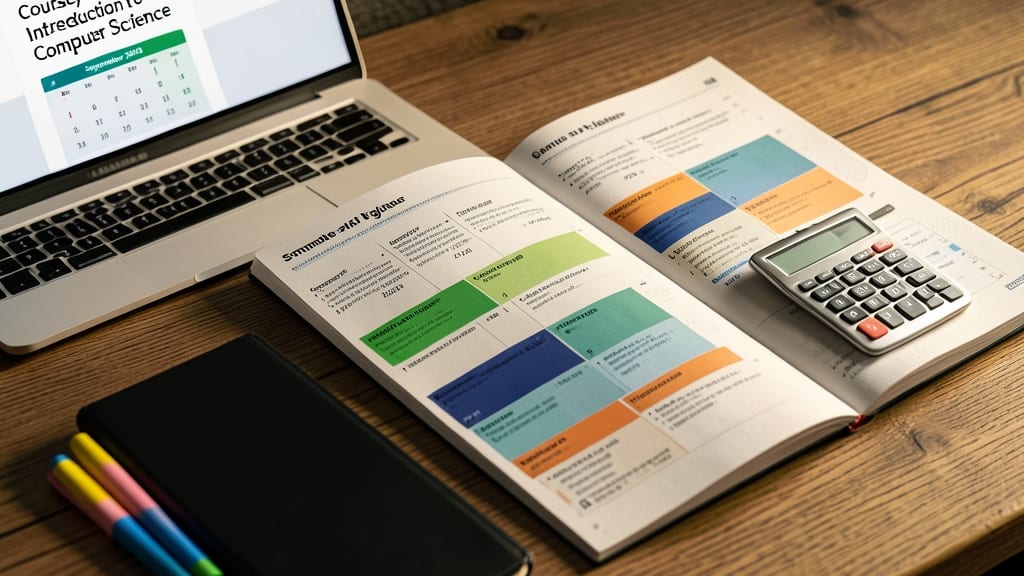
Drowning in syllabi and assignment deadlines? This Student Academic Planner with GPA Tracker turns chaos into clarity with a semester-at-glance view and built-in grade calculators. No more frantic spreadsheet juggling—just drag-and-drop deadlines and color-coded courses to visualize your workload at a glance.
The template includes a dynamic GPA tracker that automatically calculates your grade point average as you input assignments, plus customizable sections for notes, textbook lists, and professor contacts. The assignment deadline flags highlight upcoming due dates in bold red, so you’ll never miss a submission again.
Perfect for undergrads, grad students, or anyone balancing multiple classes—this template syncs across devices and integrates with OneNote’s tagging system for quick filtering. Say goodbye to lost papers and hello to stress-free semesters. ✨
Health and Fitness Tracker Dashboard
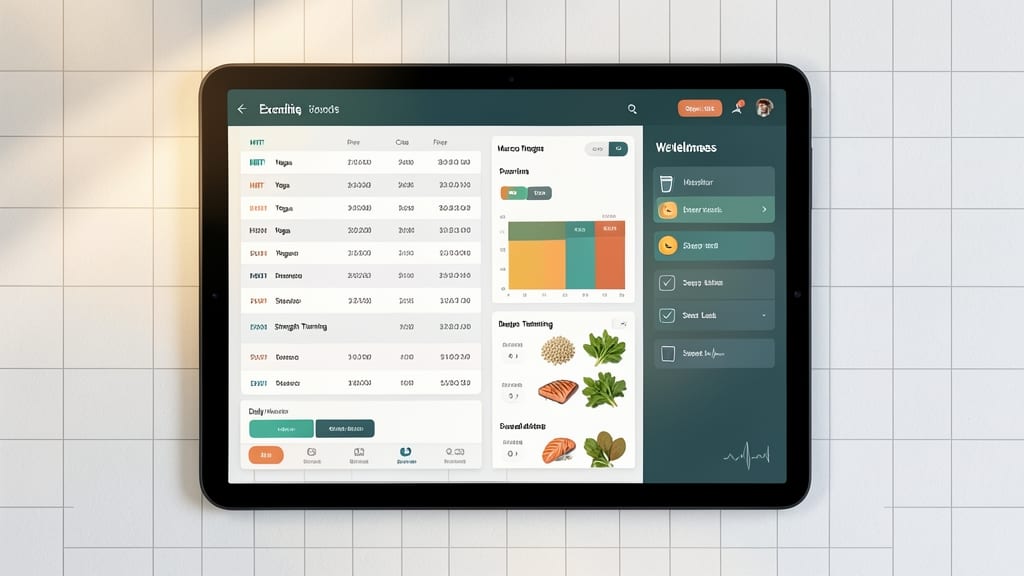
Turn your fitness journey into a data-driven habit with this Health and Fitness Tracker Dashboard—a OneNote template designed to keep you accountable with workout logs, meal tracking, and wellness checklists all in one place.
Log daily workouts with customizable exercise tables, track macros and meal plans with grocery list integrations, and visualize progress through color-coded habit streaks and weekly summary charts. The template even includes a sleep tracker and hydration reminder to round out your wellness routine.
Perfect for gym-goers, yogis, or anyone serious about health metrics, this template syncs seamlessly across devices so you can monitor progress on the go. 💪
Minimalist Daily Planner with Time Blocking
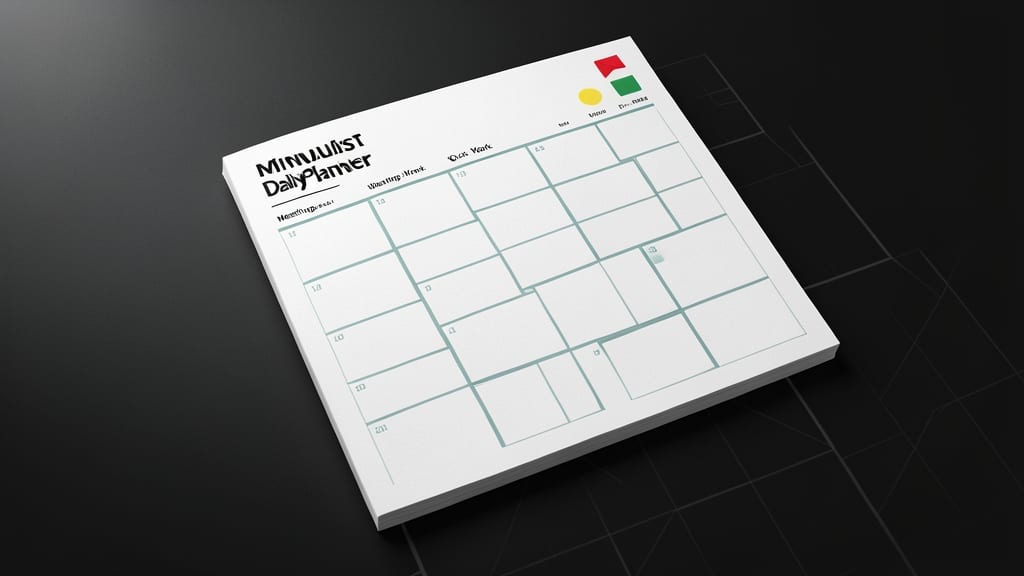
If you thrive on structure but hate clutter, this Minimalist Daily Planner is your perfect match. Built for time-blocking purists, it replaces vague hour blocks with 15-minute increments—ideal for professionals juggling meetings, deep work, and quick tasks.
The template includes priority flags (red/yellow/green) to visually separate urgent tasks from background work, while the clean grid layout minimizes distractions. OneNote’s built-in drawing tools let you sketch quick notes directly on the page, and the compact design fits neatly on a single screen—no scrolling required.
This is the go-to choice for executives, developers, or creatives who need laser focus without sacrificing flexibility. Pair it with OneNote’s mobile app to review your day on the go. ✨
Creative Writer’s Brainstorming Template
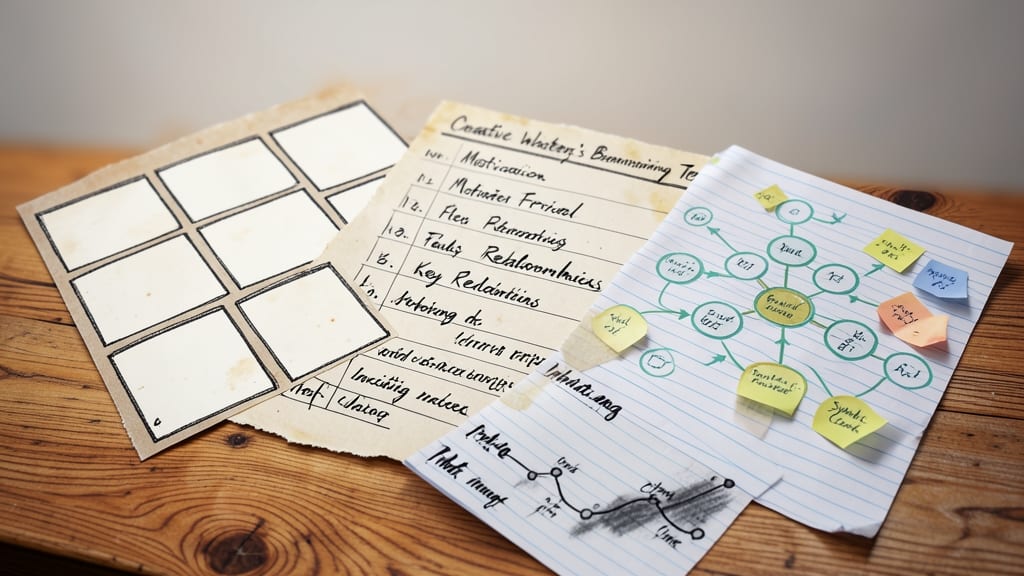
Stuck in the blank-page paralysis of a new writing project? This Creative Writer’s Brainstorming Template turns chaos into clarity with built-in storyboards, character profiles, and visual sitemaps—all designed to spark ideas without overwhelming you.
You’ll find dedicated sections for plot arcs, dialogue snippets, and world-building notes, plus a searchable idea vault to capture fleeting inspirations. The interactive mind maps let you rearrange scenes or themes with drag-and-drop ease, while embedded keep your research organized. Perfect for novelists, screenwriters, or bloggers who need structure without sacrificing creativity.
Ideal for writers who thrive on visual organization but hate rigid outlines—this template adapts to your process, whether you're drafting a short story or outlining a series. ✨
Family Meal Planner with Grocery List
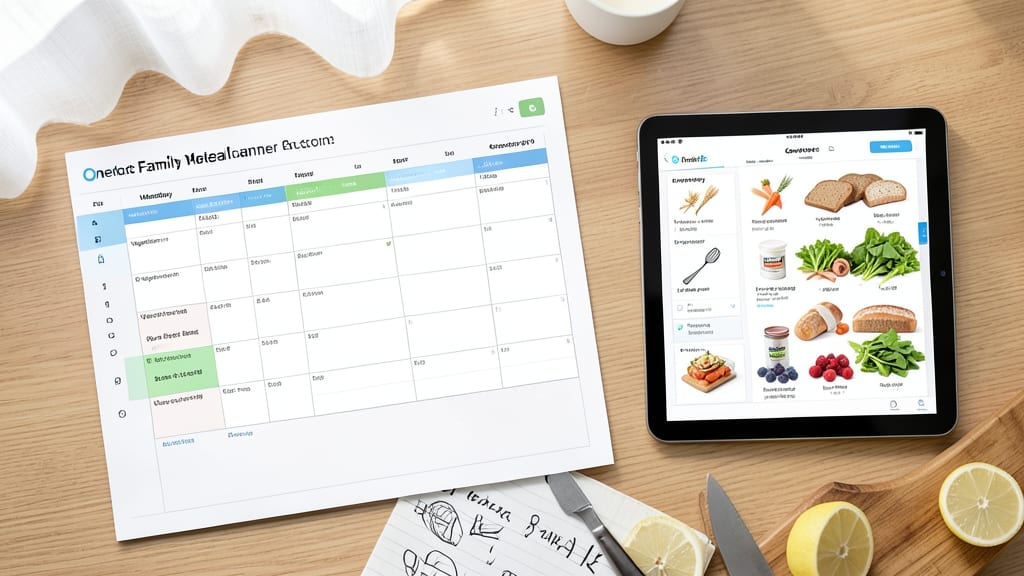
Tired of last-minute grocery runs or forgetting dietary restrictions? This Family Meal Planner with Grocery List template streamlines meal prep by syncing weekly dinners with an auto-updating grocery list—all in one place.
It includes customizable meal categories (vegetarian, gluten-free, kid-friendly), a that updates as you plan, and space for family member preferences. The drag-and-drop meal scheduling lets you rearrange dinners in seconds, while the built-in pantry inventory tracker prevents duplicate purchases. Best of all, it’s fully editable in OneNote’s mobile app, so you can adjust plans from anywhere.
Perfect for shared households or families juggling schedules—this template cuts meal planning time by 50% while keeping everyone’s needs in sync. ✨
Travel Itinerary Organizer with Packing List
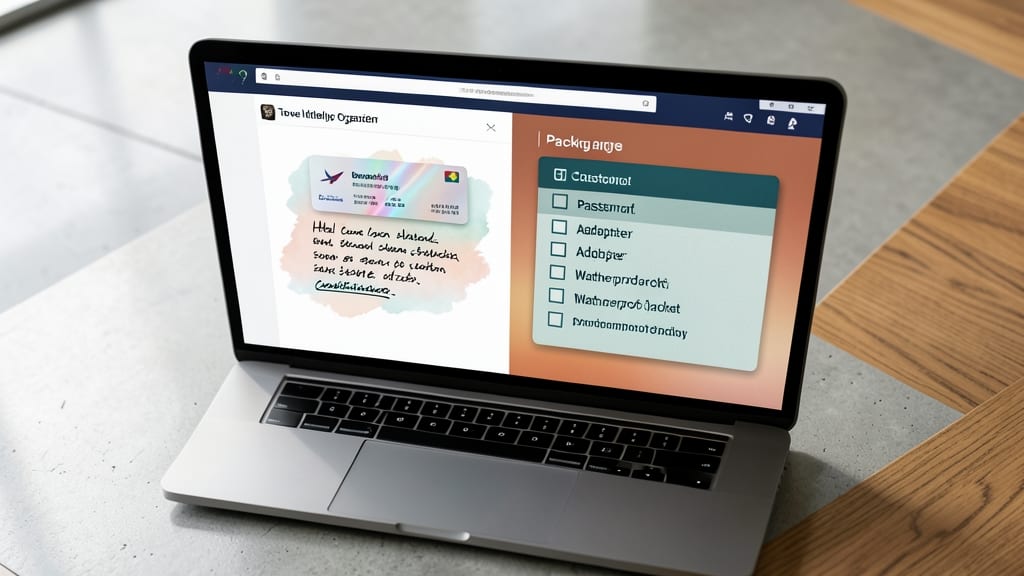
Forget rummaging through crumpled boarding passes and scribbled hotel confirmations—this Travel Itinerary Organizer keeps everything in one digital hub. Designed for digital nomads and travelers, it consolidates flight details, hotel reservations, and even a customizable packing checklist with weather-based suggestions, all in a single OneNote page.
The template includes dedicated sections for itinerary snapshots, currency conversion tables, and emergency contacts—critical for last-minute adjustments. You can even embed maps or attach digital copies of your passport and visas. The color-coded layout ensures quick scans at security checkpoints or airport gates.
Perfect for frequent flyers, remote workers, or anyone planning multi-city trips—this template turns chaos into clarity with just a few clicks. ✨
Habit Tracker with Gamification Elements
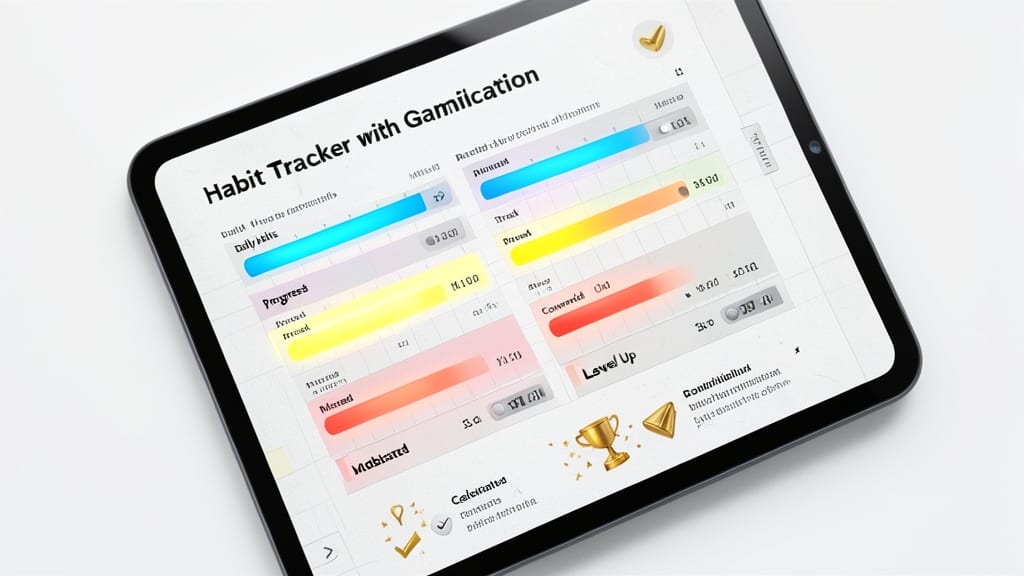
Tired of habit trackers that feel like chores? This Habit Tracker with Gamification turns consistency into a rewarding challenge with built-in progress bars, streak counters, and customizable reward milestones—because motivation thrives on progress, not punishment.
Track daily habits with color-coded progress bars that fill up as you complete tasks, while the streak counter highlights your longest success chains in vibrant green. Set reward milestones (like a coffee break after 7 days) to keep momentum going, and watch your habits transform from daunting to delightful. The template even includes a "Motivation Meter" that adapts to your consistency level.
Perfect for students building study routines, professionals adopting new workflows, or anyone who’s ever abandoned a New Year’s resolution by February. Turn your blank OneNote page into a game board where success feels like leveling up. ✨